The RSVP Problem That Every Indian Family Knows
You have sent out 400 invitations. Your wedding is in 3 weeks.
Your mother is on the phone with relatives. Your father has a notebook. Your sister is managing a WhatsApp group. You have a spreadsheet open that no one is updating consistently.
By the day before the wedding, your caterer needs final numbers. You have 3 different headcounts from 3 different people in your family.
This is the RSVP problem. And it is universal in Indian weddings.
Why Traditional RSVP Methods Break Down
The Phone Call Method
- Time-consuming (20–30 minutes per family for close relatives)
- Information gets lost in translation between family members
- No central record — information lives in someone's phone memory
- Cannot scale beyond ~50 guests without becoming a full-time job
The WhatsApp Message Method
- Guests reply at different times, replies get buried in chat history
- No structured data — "yes we are coming" tells you nothing about numbers or which functions
- Impossible to aggregate data from hundreds of conversations
The Notebook Method
- Manual, error-prone
- Only one person has the information at any time
- Cannot be shared with the caterer, venue, or transport coordinator digitally
What Digital RSVP Looks Like for an Indian Wedding
A proper digital RSVP system for an Indian wedding works like this:
1. Unique RSVP Links Per Function
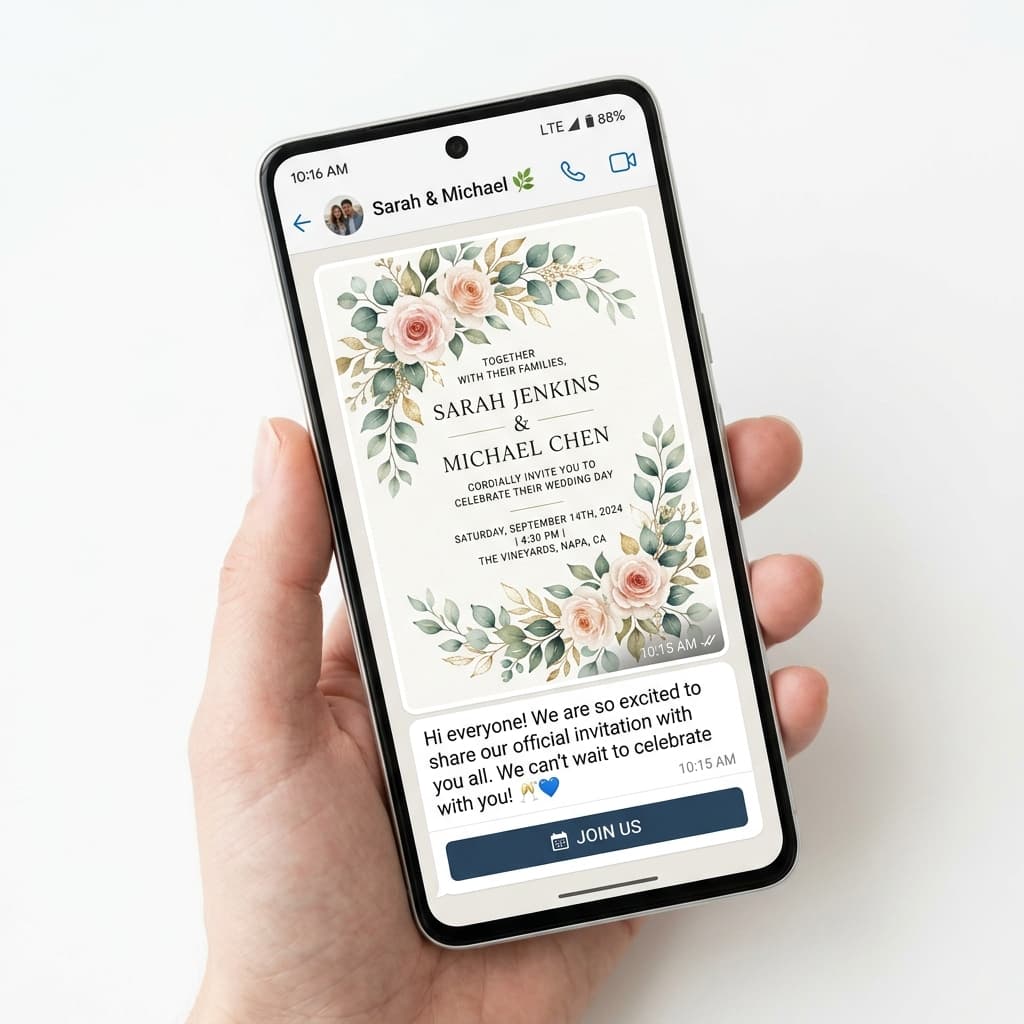
Each event (Haldi, Mehendi, Sangeet, Wedding, Reception) has its own RSVP link. When you share the Sangeet invitation, you include the Sangeet RSVP link. This way, a guest can confirm they are coming to the Sangeet but skipping the Haldi, which is realistic for distant relatives.
2. Guest-Friendly Form (Works on Any Phone)
The RSVP form should work on any smartphone, not require an app download, and be completable in under 60 seconds. It should ask:
- Guest name
- Number of people attending
- Which functions (if multi-event)
- Dietary preferences (if required)
3. Real-Time Host Dashboard
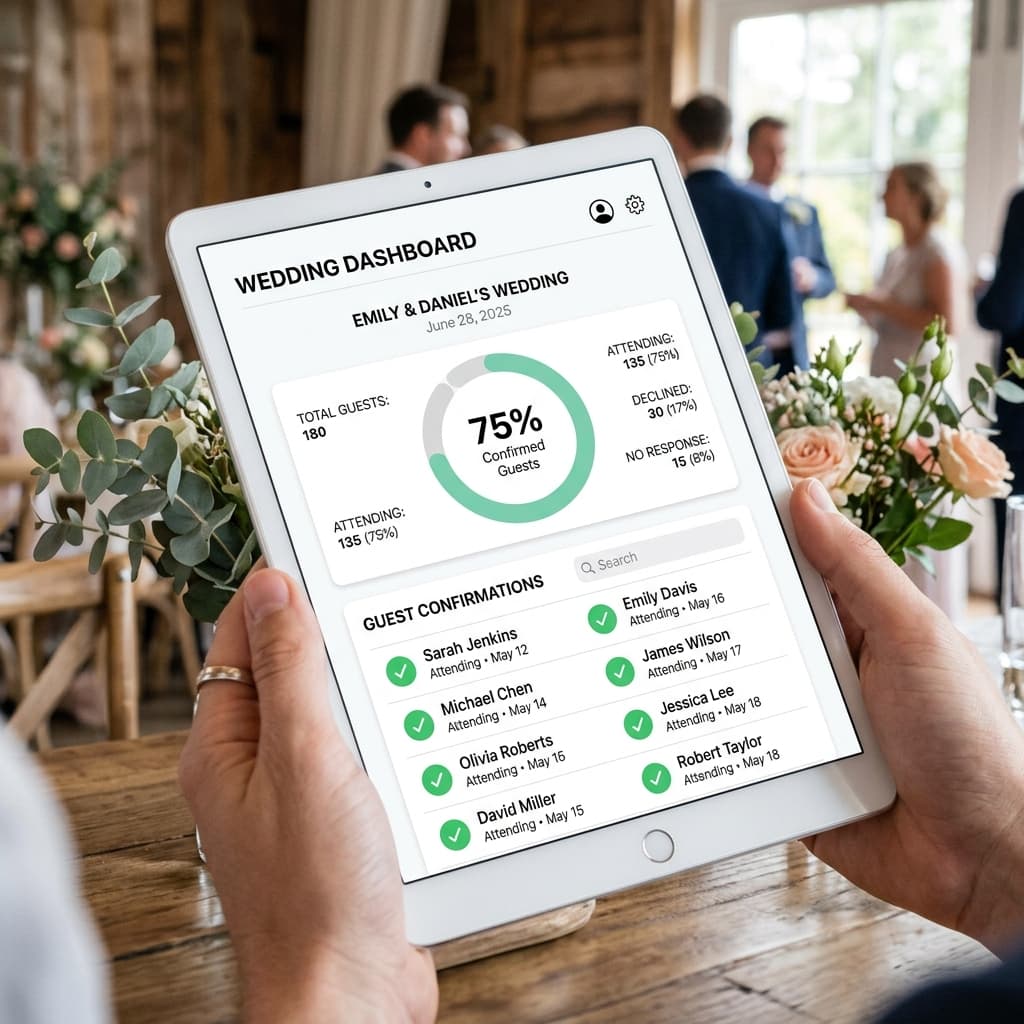
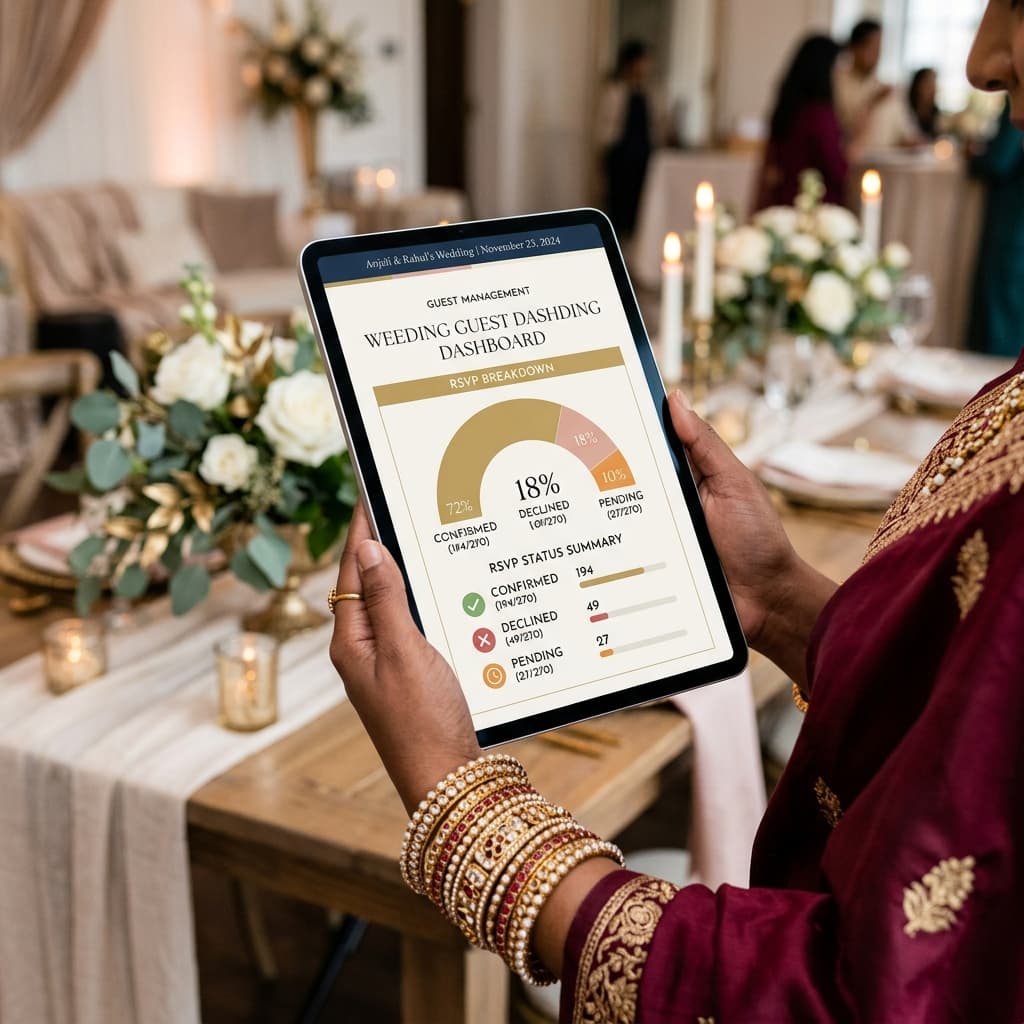
The moment a guest submits their RSVP, it appears in your dashboard. You can see:
- Total confirmed attendees per event