The Situation
Priya and Arjun were getting married in Pune in February. 340 guests. Four functions — Haldi, Mehendi, Sangeet, and Wedding. Their caterer needed confirmed counts by Day 5 before the wedding.
Their mothers had different guest lists. Their fathers had different phone numbers for the same relatives. Their wedding coordinator wanted "at least a rough count" every three days.
Sound familiar?
What They Did Differently
Priya had one firm decision from the start: "Main ek spreadsheet nahi banane wali. Koi ek cheez chahiye jo sab manage kare."
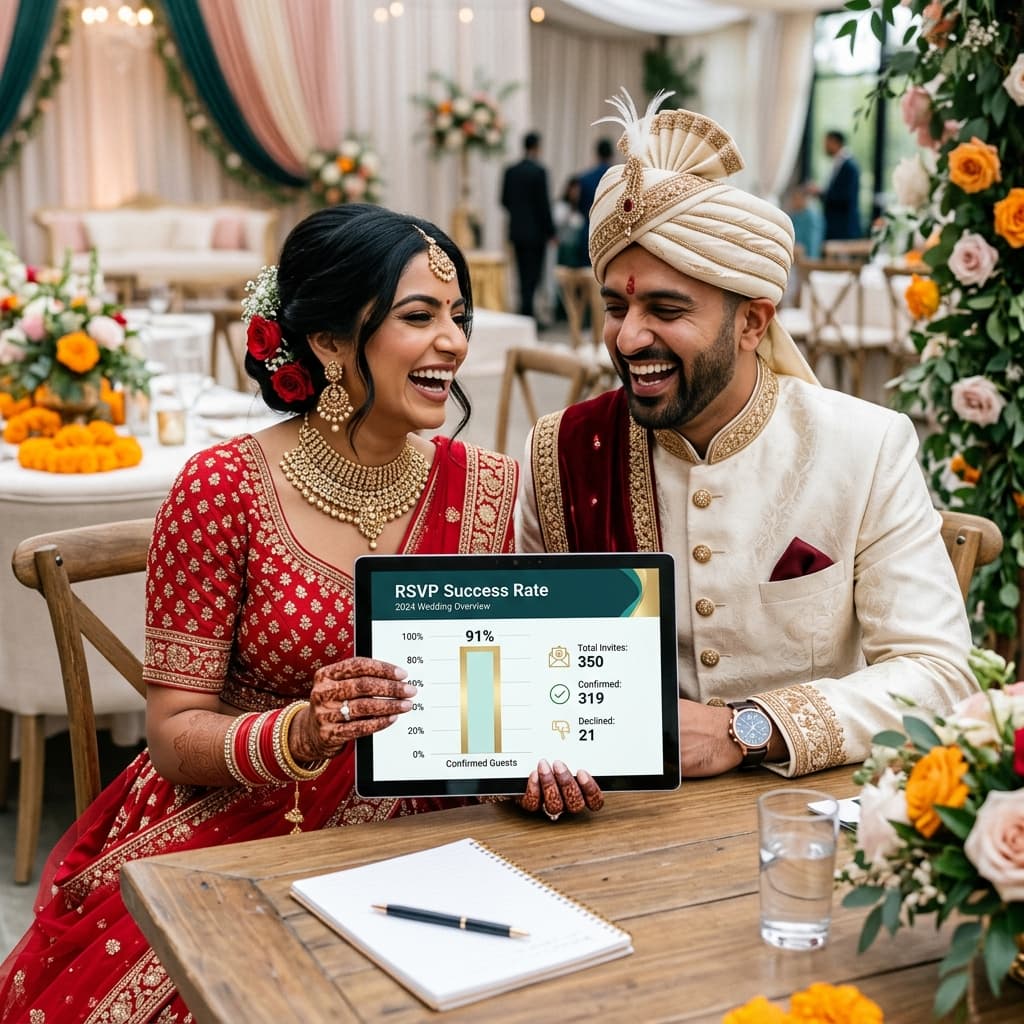
They set up Nimantran Studio on a Sunday afternoon. By Sunday evening, their RSVP links were ready. By Tuesday evening — 48 hours later — 309 of their 340 guests had responded.
That is a 91% response rate.
Here is exactly how they did it.
Step 1: One Beautiful Invitation, One Clear Ask
Most couples make the mistake of sending a generic "please confirm attendance" at the end of a long message. Priya and Arjun did the opposite.
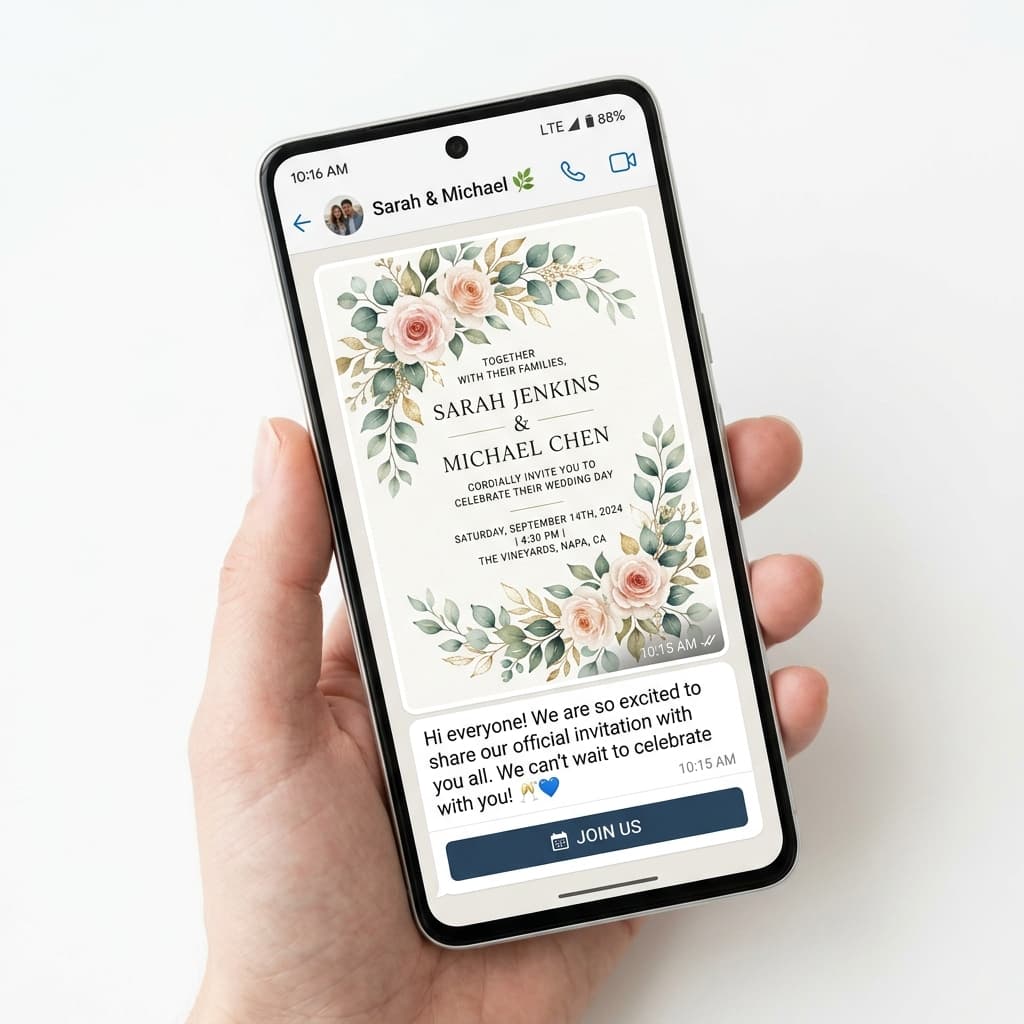
Their WhatsApp message was short, personal, and had one button: Respond to Invitation.
> "Dear [Name], We are so excited to share our wedding with you. Tap the card to see the details and confirm your attendance — it takes less than a minute. With love, Priya & Arjun 💛"
The invitation card was designed (Royal Rajputana theme), the RSVP link was embedded, and the message took 30 seconds to read and act on.
Lesson: Make the action simple and singular.
Step 2: Send in Three Waves, Not One Blast
Priya did not send 340 invitations in one go. She sent in three waves:
Wave 1 (2.5 weeks before): Immediate family — 40 people. These got personal calls first, then the digital card.
Wave 2 (2 weeks before): Close friends and family friends — 160 people. WhatsApp with personal note.
Wave 3 (10 days before): Extended family, colleagues — 140 people. Group sends were fine here.
By sending in waves, each group felt appropriately prioritised. Elders got the personal touch. Friends got the fun message. Extended family got efficiency.
Step 3: Their Follow-Up Was Warm, Not Desperate
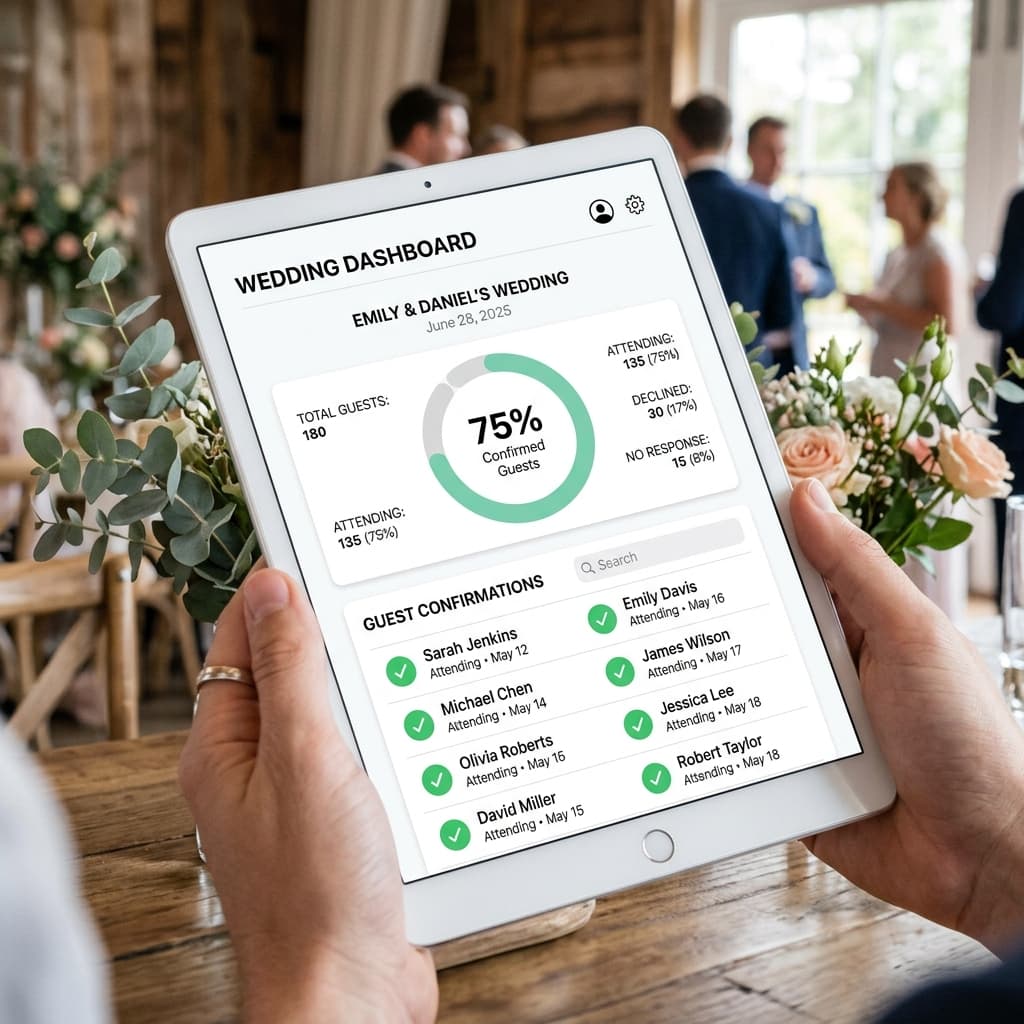
After 24 hours, Priya checked her dashboard. 180 had responded. She filtered the non-responders list and sent one follow-up to each:
> "Hi [Name]! Just checking in — would love to have you at the wedding. RSVP takes 30 seconds: [link] 🌸"
No guilt. No pressure. Just warm and specific.
By the second follow-up (48 hours in): 309 responses.
Step 4: The Dashboard Was Their Command Centre
Every morning, Priya and her mother-in-law looked at the same dashboard. No calls asking "kitne log confirmed hain?" No conflicting numbers. No duplicate counting.
They had:
- Total confirmed per function
- Dietary breakdown
- A clean list of non-responders for follow-up
- CSV export for the caterer
The caterer got final numbers 6 days before the wedding — not a rough estimate. Exact confirmed headcount per function.
The Numbers
| Function | Invites Sent | Confirmed | Response Rate |
|---|---|---|---|
| Haldi | 120 | 108 | 90% |
| Mehendi | 180 | 162 | 90% |
| Sangeet | 280 | 257 | 92% |
| Wedding | 340 | 309 | 91% |
What Any Couple Can Replicate
- Keep your invitation message short — one personal line + one action
- Send in waves by relationship proximity — not one blast
- Follow up within 24 hours of first send to non-responders
- Use warm, specific language — name + context, not a generic broadcast
- One dashboard for the whole family — eliminates the "who has the count" problem