Forward Karna ≠ Inviting
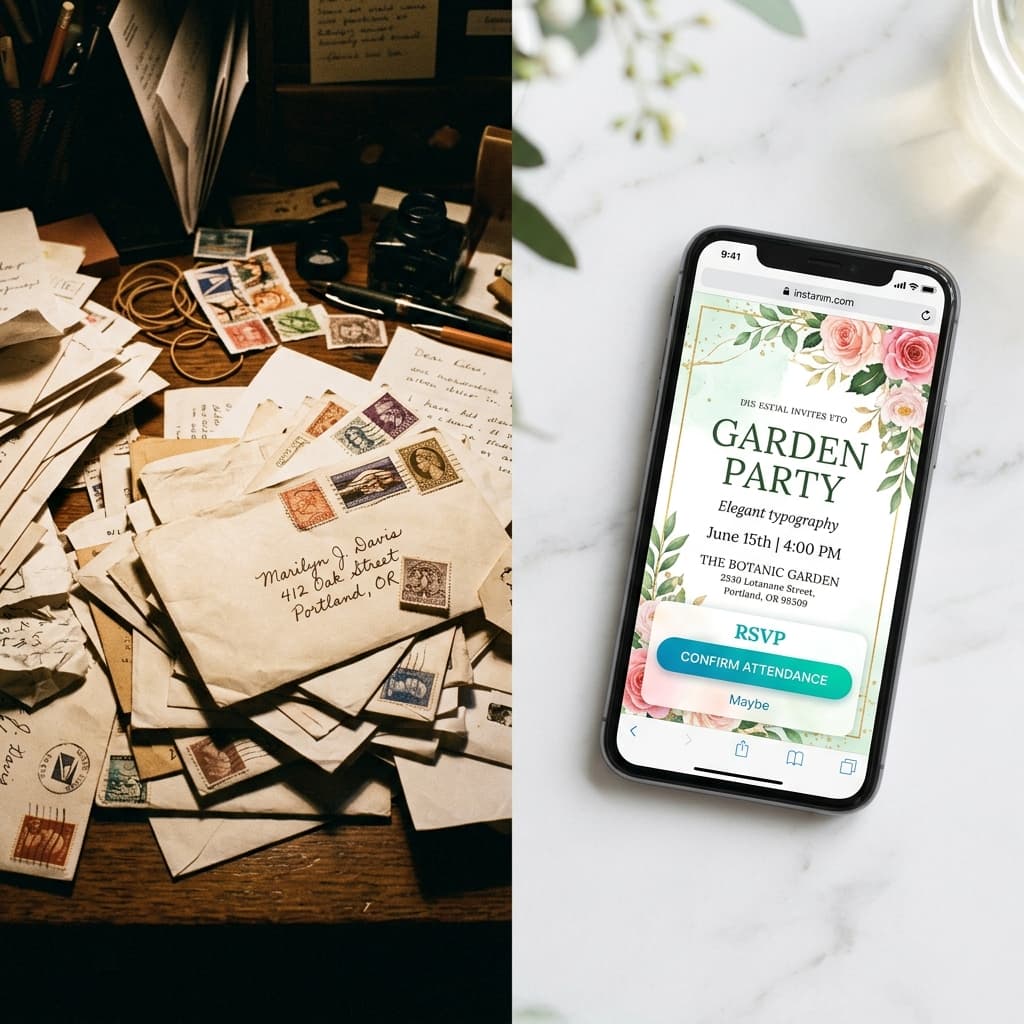
Jab aap kisi relative ko ek invitation image forward karte ho bina kuch likhe — aap technically invite kar rahe ho. Lekin emotionally, guest feel karta hai ki woh mass-forward list ka ek part hai.
Indian weddings mein yeh matter karta hai. Relatives notice karte hain.
Sahi tarika thoda zyada time leta hai — lekin response rate dramatically zyada hoti hai.
The Winning WhatsApp Formula
Har invitation send ke 3 parts hote hain:
Part 1: Personal Note (Text Message)
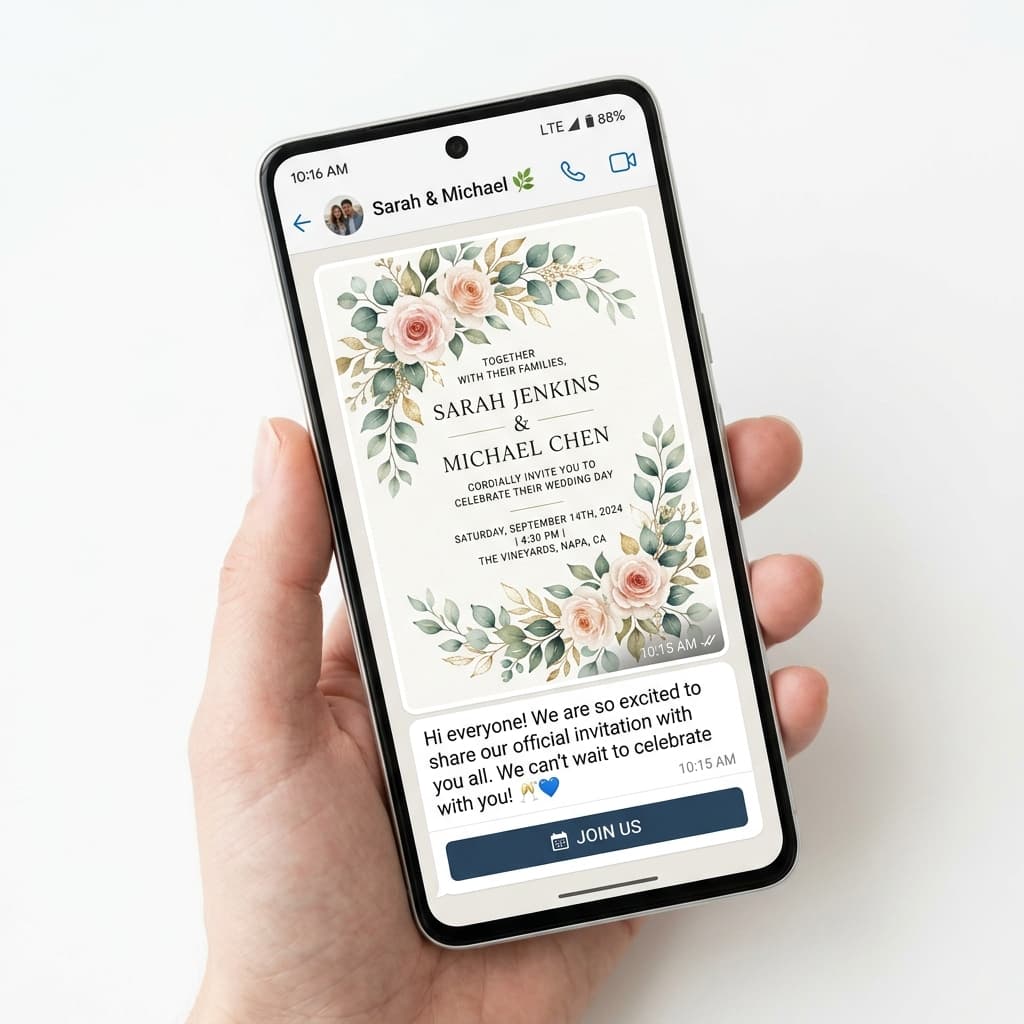
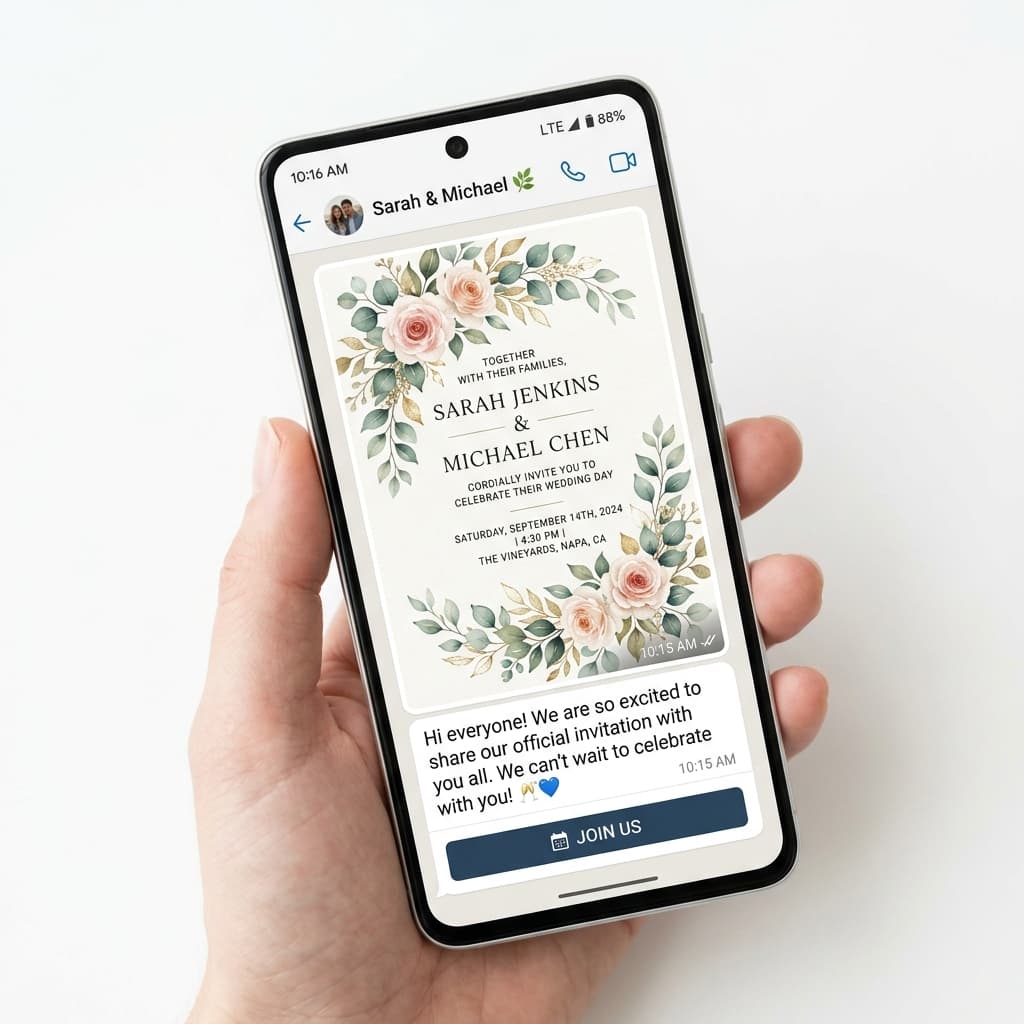
Part 2: Invitation Card (Image or PDF)
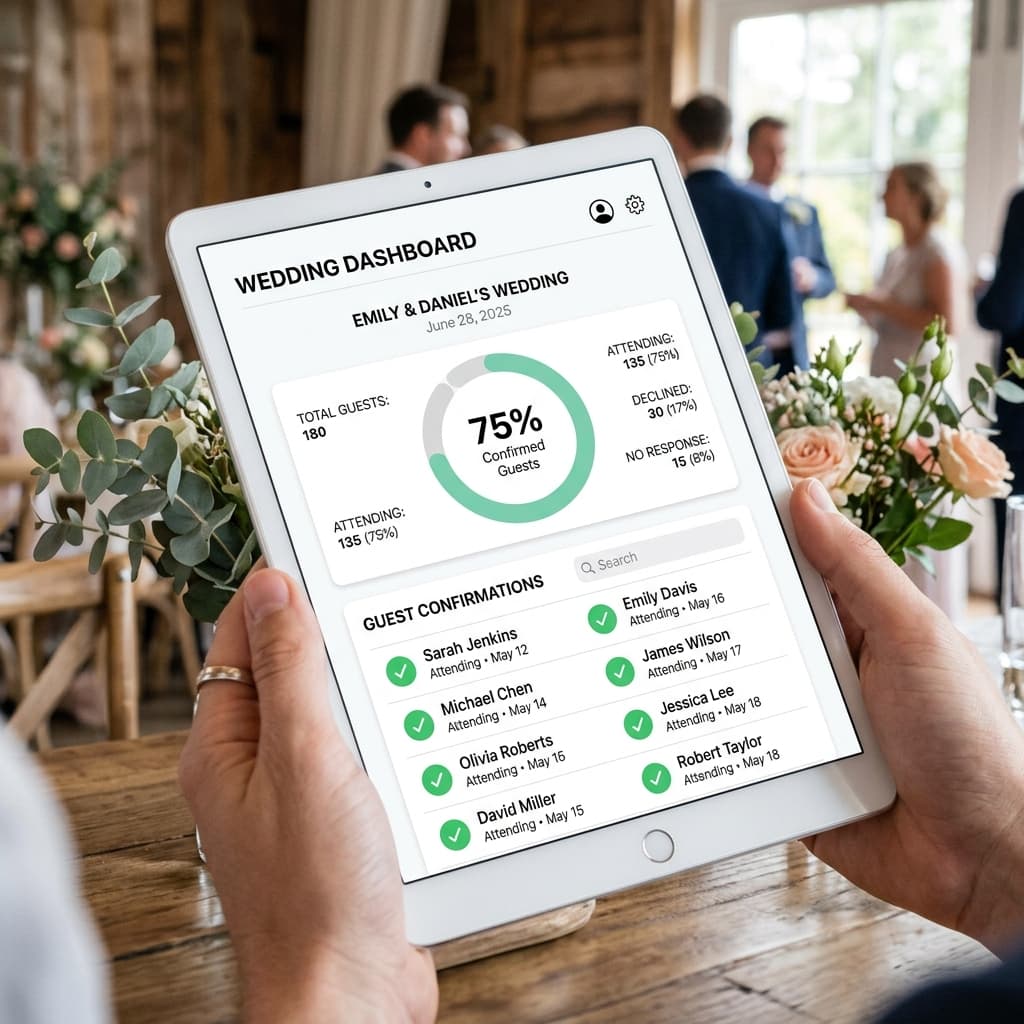
Part 3: RSVP Link (Separate message or embedded)
Part 1: Personal Note Kaise Likhen
Short rakho. Personal rakho. Name use karo.
For Elders:
> Pranam [Name] Ji. [Groom/Bride Name] ka vivah [Date] ko hai. Hum aapki aur aapke parivar ki upasthiti chahte hain. Card mein poori details hain. 🙏
For Family Friends:
> Hi [Name] aunty! [Name] ki shaadi [Date] ko hai — aap aur uncle zaroor aayein, bahut yaad aayenge. Details card mein hain! 🌸
For Friends:
> Yaar! Shaadi ho rahi hai [Date] ko. Tu toh aa raha hai na? Details neeche hain. RSVP karna mat bhoolo 🎉
Part 2: The Card
Image format best kaam karta hai WhatsApp par — not PDF, not a link.
Why image over PDF:
- PDF requires download + app
- Image previews instantly in chat
- Guests screenshot and keep for reference
- Parents and elderly relatives find images easier
Image specs for WhatsApp:
- Square (1080×1080) or portrait (1080×1350) for best preview
- Under 5MB file size
- High contrast text (legible on mobile without zooming)
Nimantran Studio automatically generates WhatsApp-optimised image dimensions for every card in your bundle.
Part 3: RSVP Link
Send as a separate message after the card.
Why separate? Because a link buried in the same message as a long note and an attached image gets lost. A standalone RSVP link message is clean and clickable.
> "RSVP link: [link] — 30 second form, confirms your attendance 🙏"
Or more casual:
> "Aa rahe ho na? Yahan click karo: [link] 🎉"
Timing Your WhatsApp Sends
| Send Time | Open Rate | Why |
|---|---|---|
| 9–11 AM | High | Morning scroll before work |
| 7–9 PM | Highest | Post-dinner WhatsApp check |
| 1–3 PM | Medium | Lunch break scroll |
| Late night (11 PM+) | Low | Seen but forgotten by morning |
Best days: Tuesday through Thursday. Avoid Monday (work mode) and weekends (too busy or too relaxed to act).
Broadcast Lists vs Personal Sends
Personal sends (writing a name, sending individually): Best for Tier 1 and Tier 2 guests. Higher response rate, more personal.
Broadcast list (WhatsApp Broadcast, not group): Acceptable for Tier 3 guests. Recipients receive the message as if it's personal, but you send once.
Group forward: Only for very outer-circle — colleagues, acquaintances. Be honest: it reads as a forward.
Never do: Create a WhatsApp group with all your wedding guests. Every reply becomes a public notification for 300 people.